
Plugin directory / UI & Skins / dsh-custom-workspace
dsh-custom-workspace
Unverified JeremyGuo
What it does
Per-workspace appearance settings for DeepSeek Harness Web
Unverified — not yet verified
Per-workspace appearance settings for DeepSeek Harness Web Not yet verified — install and test it yourself.
“Unverified” means our automated CI has not yet installed this plugin. Feature descriptions and version compatibility are the author’s claims. This is not a security audit and not an endorsement of third-party code.
README
dsh-custom-workspace
English | 中文
An external DeepSeek Harness Web plugin that gives each workspace its own background, chat font size, line height, Markdown block spacing, and font-rendering preference.
Features
- Background color or image URL for the main workspace surface.
- Independent Markdown body font size and line height.
- Markdown block spacing for paragraphs, lists, headings, quotes, and code blocks.
- Grayscale antialiasing toggle for Retina displays.
- Per-workspace persistence in
$DSH_HOME/settings.yaml.
The active appearance follows the workspace containing the current session and falls back to the most recently selected workspace. Workspaces without an override inherit the active DSH theme.
Examples
Theme defaults (font and spacing inherit from DSH):
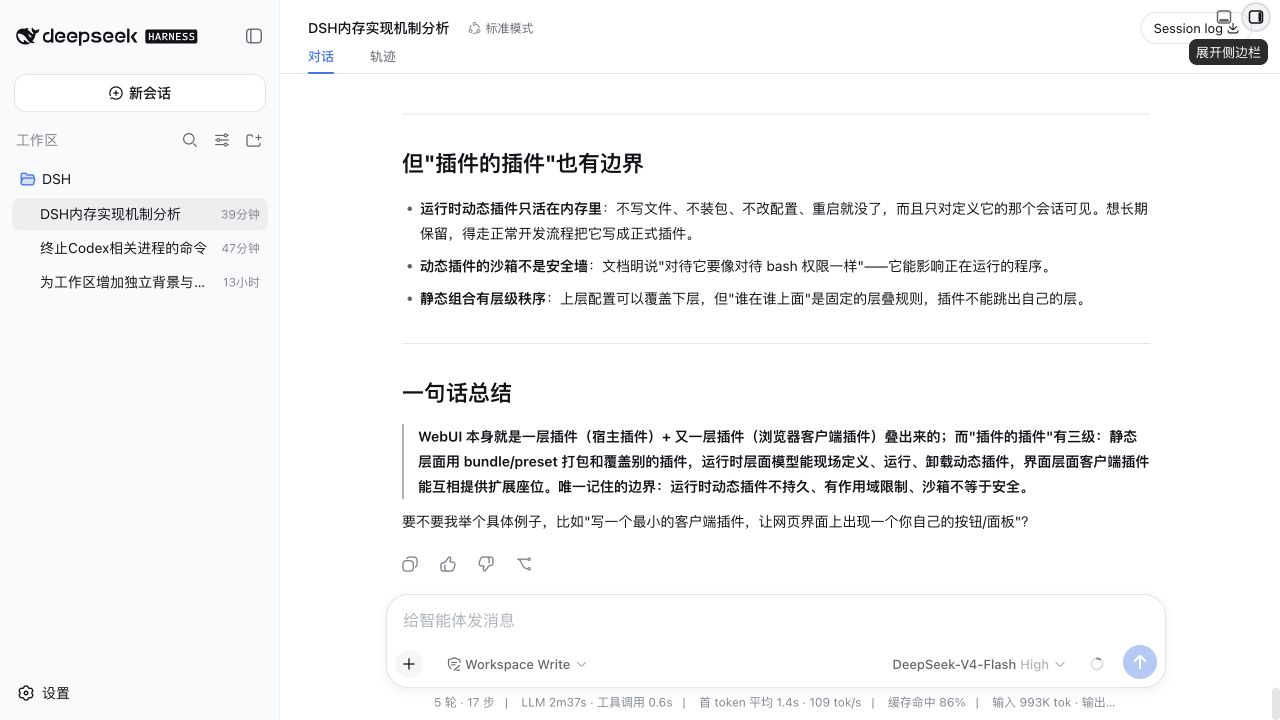
Compact reading — 13px font, 20px line height, 4px block spacing, #eef4ff background:
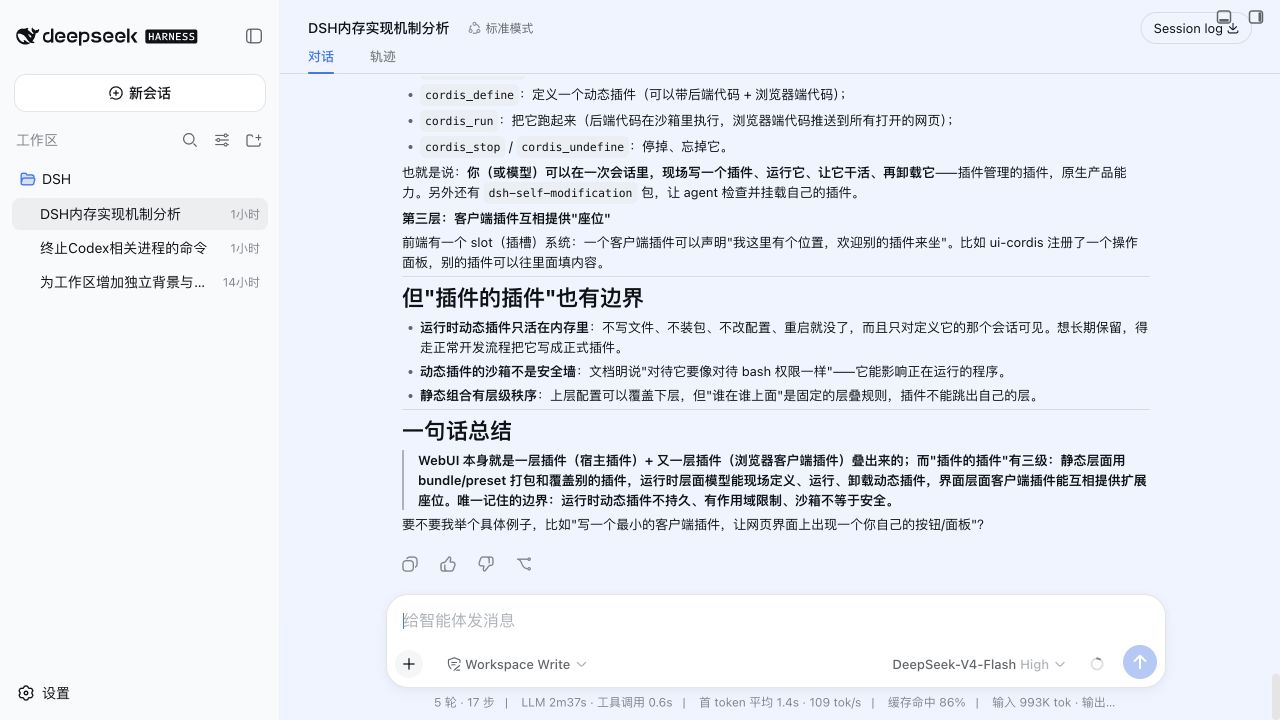
Spacious reading — 20px font, 38px line height, 28px block spacing, #fff3e8 background:

Requirements
- DeepSeek Harness
0.1.0-rc.6. - Node.js
^22.19.0or>=24.0.0. - A loopback DSH Web session. The settings RPC intentionally rejects non-loopback browsers.
Install
Install the published package into the Web profile, then restart DSH:
dsh plugin --profile web add dsh-custom-workspace
dsh web
Open Settings → General Settings → Workspace Appearance to configure the selected workspace. Changes are saved immediately.
To remove the plugin:
dsh plugin --profile web remove dsh-custom-workspace
Develop
pnpm install
pnpm run verify
dsh plugin --profile web add link:$PWD
pnpm run watch
Host changes in src/index.ts require a DSH restart. Browser changes under src/client/ are rebuilt by the watcher and loaded through DSH client HMR.
Run the optional browser smoke test against a running Web profile after installing Playwright Chromium:
pnpm exec playwright install chromium
pnpm run verify:browser -- http://127.0.0.1:3081
Persistence and security
The Host half owns the custom-workspace settings namespace. DSH does not expose third-party namespaces through its generic settings API, so this plugin registers a dedicated /custom-workspace Connection RPC channel. The channel accepts loopback requests only and exposes no other settings namespace.
The browser half validates every response before publishing it to the presenter. Failed writes reload the Host value; a disconnected or non-loopback browser marks the scope unavailable.
Model Experience
None. Workspace appearance affects only browser presentation and never reaches a model request or session log.
Known Limitations
- Settings are unavailable to browsers reached through a LAN hostname, even when the DSH Web server trusts that hostname.
- Background images use the configured URL directly and depend on the browser's network and content-security policy.
- This release targets DSH
0.1.0-rc.6; pre-release DSH APIs may change without compatibility shims.
License
Install
Install the catalog once, then DeepSeek Harness can find and install any plugin from this site automatically:
dsh plugin add dshbase-catalogThen say "install dsh-custom-workspace for me" — your agent finds it in the directory and installs it. Docs: dshbase-catalog · verified packs.
This plugin is GitHub source (not published to npm) — install it straight from the repo:
Web profile:
dsh plugin --profile web add github:JeremyGuo/dsh-custom-workspaceHeadless (CLI) profile:
dsh plugin --profile headless add github:JeremyGuo/dsh-custom-workspaceTest report
Not yet L3-verified — see failure note below if we already ran it.
Note: 验证: load-fail (0.1.0-rc.6) Browse all pending failures →
When to use it
Change how dsh looks or how you interact with it — a theme, a skin, or a new panel that reshapes the workspace.
Who it's for
Users who spend hours in the web UI and want it to look and feel the way they work.
For developers — extending it
Skins, panels, and theme tokens are the extension points — author a new skin, add a panel, or sync tokens with an upstream palette.
Share this badge
Drop this badge into your README — it links back here and updates automatically when our test status changes:

[](https://dshbase.com/plugins/dsh-custom-workspace/)<a href="https://dshbase.com/plugins/dsh-custom-workspace/"><img src="https://dshbase.com/badges/dsh-custom-workspace.svg" alt="dshbase listed"></a>