
Plugin directory / Developer / background-plugin
background-plugin
Unverified cjz-wr
What it does
修改DSH的背景,支持静态动态背景,支持网页图片视频,支持修改透明度
Unverified — not yet verified
修改DSH的背景,支持静态动态背景,支持网页图片视频,支持修改透明度 Not yet verified — install and test it yourself.
“Unverified” means our automated CI has not yet installed this plugin. Feature descriptions and version compatibility are the author’s claims. This is not a security audit and not an endorsement of third-party code.
README
dsh-background
DeepSeek Harness plugin: Background plugin. Supports local or online images/videos, and allows adjusting the opacity.
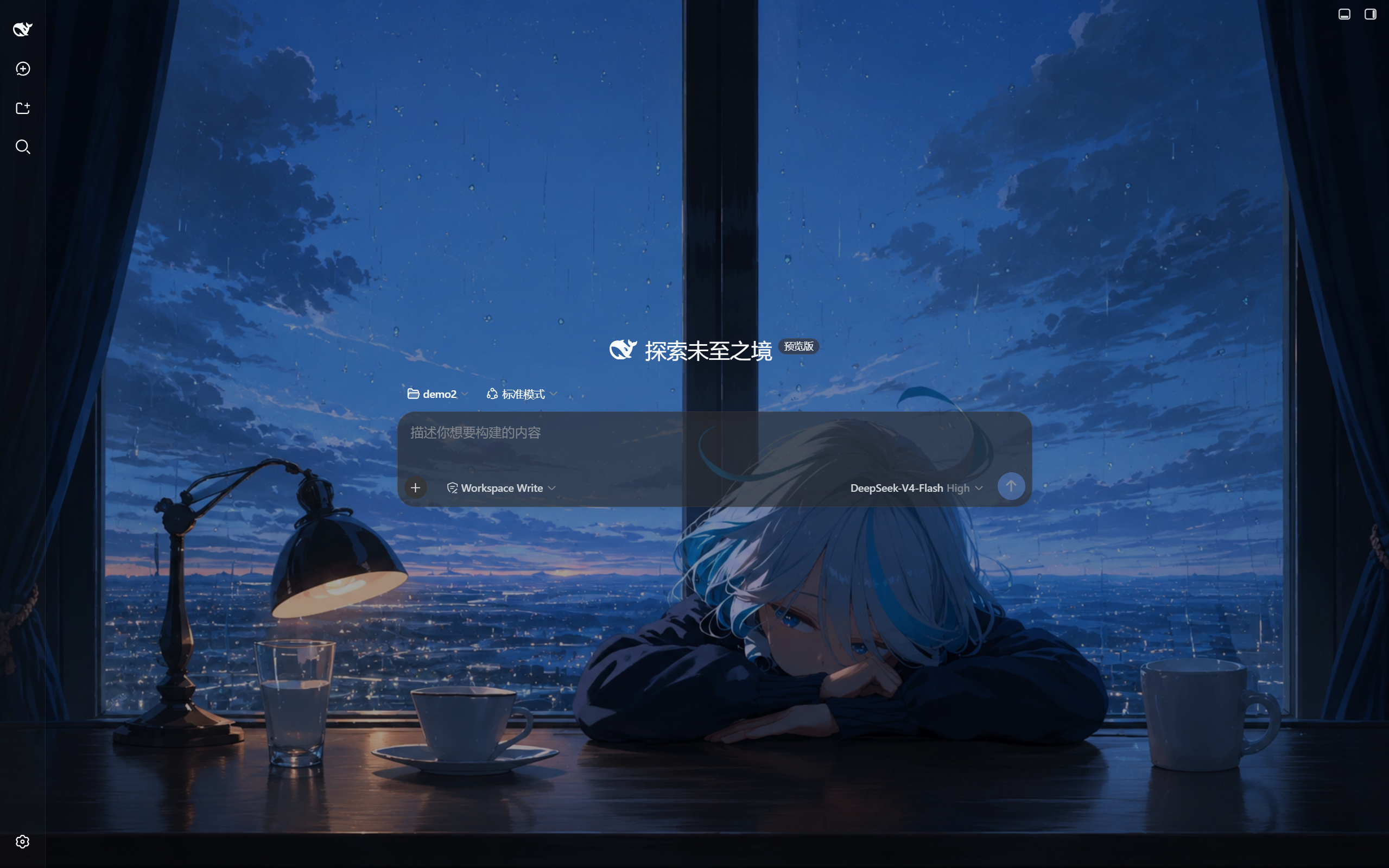
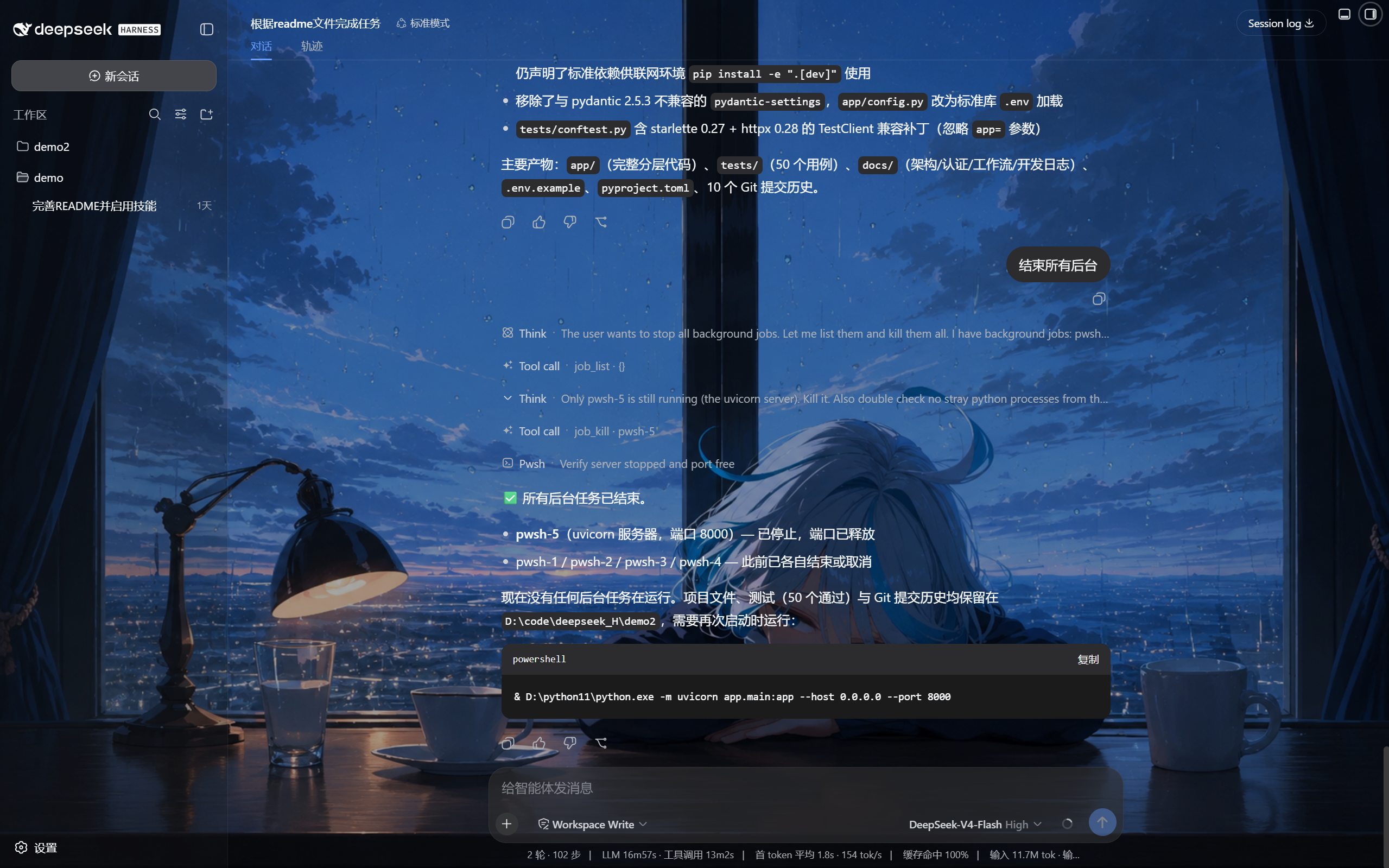
Settings UI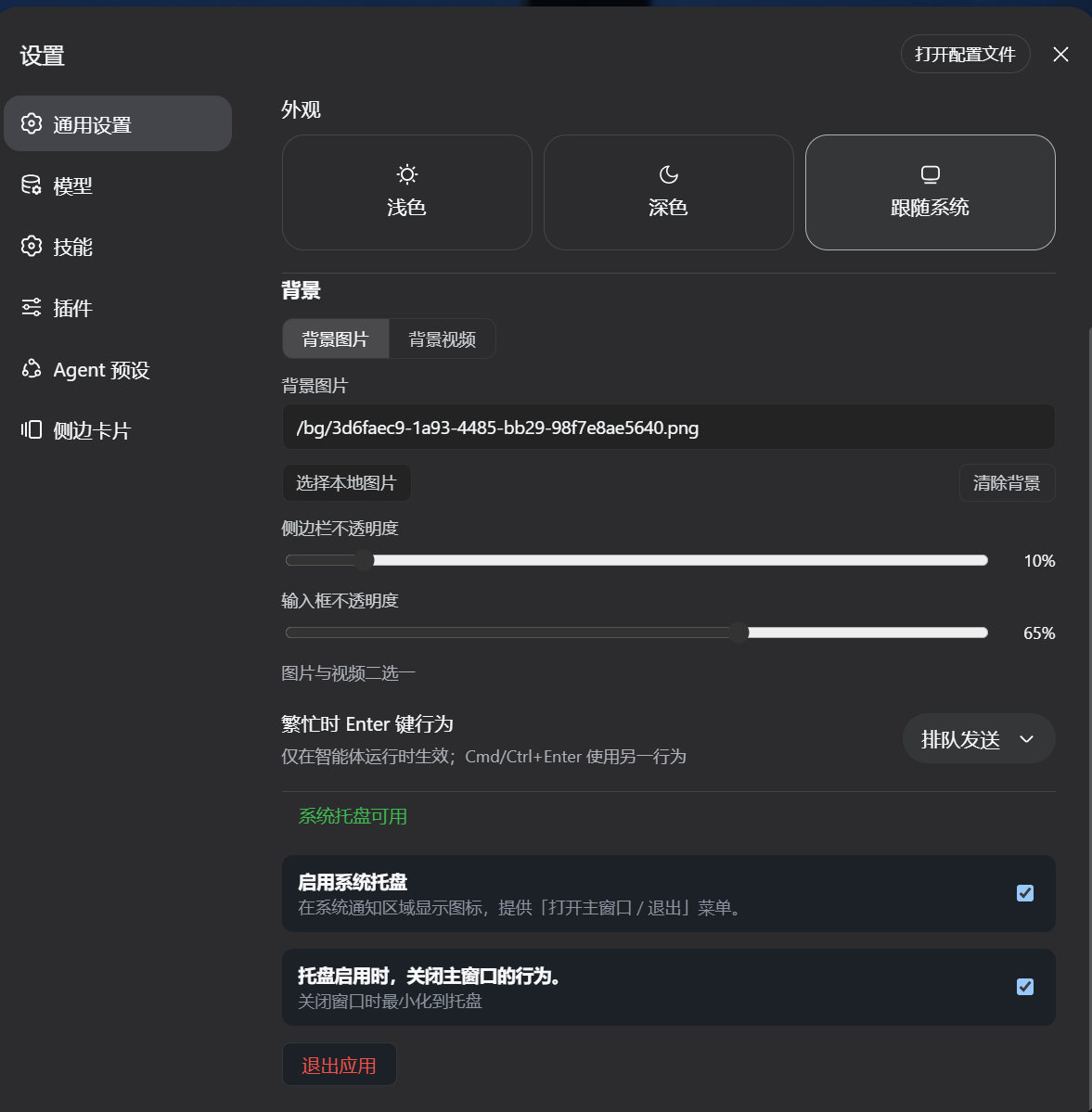
Install
From the Web 插件 (Plugins) settings surface, search this repository and click
install, or from the CLI:
dsh plugin --profile <name> add github:cjz-wr/background-plugin
Replace <name> with your own profile, usually web, for example:
dsh plugin --profile web add github:cjz-wr/background-plugin
A newly installed bundle layer composes on the next process boot.
Build output is committed on purpose. Git installs pull the repository as
it is — nothing runs yourbuildscript.lib/is therefore committed so
git/npm/tarball installs all work with zero build authorization; there is nopreparescript. Rebuild locally withnpm run buildand commit the newlib/wheneversrc/changes.
⚠️ Conflict only with builds that already compose this row. The official DeepSeek Harness does NOT ship it — this bundle is a standalone add-on and installs cleanly into any profile. The one exception: this package was extracted from a repo whose
packages/bundle/web-app/cordis.patch.ymlalready composes a row with the idui-background. Mounting this bundle on top of such a build fails at boot withduplicate loader entry id: ui-background; install it into a profile that does not include that built-in row instead.
Contents
src/— TypeScript sources (Host gateway + client settings face).cordis.patch.yml— thedsh.bundlepatch layer (one loader row).lib/— build output, committed (see note above).node_modules/— local SDK junction links, git-ignored (not needed by users).
Build
npm run build
Requires the harness toolchain (typescript + tsdown) resolvable at build time;
the extracted folder links the SDK packages it peers on.
Install
Install the catalog once, then DeepSeek Harness can find and install any plugin from this site automatically:
dsh plugin add dshbase-catalogThen say "install background-plugin for me" — your agent finds it in the directory and installs it. Docs: dshbase-catalog · verified packs.
This plugin is GitHub source (not published to npm) — install it straight from the repo:
Web profile:
dsh plugin --profile web add github:cjz-wr/background-pluginHeadless (CLI) profile:
dsh plugin --profile headless add github:cjz-wr/background-pluginTest report
Not yet L3-verified — see failure note below if we already ran it.
Share this badge
Drop this badge into your README — it links back here and updates automatically when our test status changes:

[](https://dshbase.com/plugins/background-plugin/)<a href="https://dshbase.com/plugins/background-plugin/"><img src="https://dshbase.com/badges/background-plugin.svg" alt="dshbase listed"></a>